Skip to content

Release notes

What’s new in Graphite

Every change you can see, newest first.

Every release has a version. In the browser, it’s there from the day it’s listed; in the Mac app, from the version named beside it. Settings › About says which version you have — a Mac app from before 28 October says 0.1.0 until it updates.

  1. 0.17.0 ·

    Lighter notices, All notes higher up, and the card opens at once

    In the browser, and in the Mac app from 0.17.0.

    Notices are compact cards with Undo beside them. All notes sits under the Inbox. The Ask card and the margin's views open the moment you ask.

    What’s different

    • Changed the notices into compact cards: a mark for what kind each is, plain words, Undo as a small button beside ×, and a thin line that shrinks until it goes.
    • Moved All notes up the sidebar, between the Inbox and the Map, and in the Mac app's View menu.
    • Fixed the Ask card, its suggestions, the margin's tabs and the Guide's answers each taking a moment to appear the first time you used them.
  2. 0.16.0 ·

    Graphite has an address of its own

    In the browser, and in the Mac app from 0.16.0.

    The site and the notebook in your browser moved to Graphite's own address. The old one still opens, with any notes you kept in a browser there.

    What’s different

    • Moved the site and the browser notebook to Graphite's own address. The old one still opens, with notes you kept in a browser there: Settings › Notebook › Keep a copy saves them.
    • Changed the Mac app to open the site, and look for updates, at the new address.
    • Added a count of visits, Mac downloads, notes made and requests Graphite answers — by kind, with no cookies and never what you write. The Mac app counts nothing.
  3. 0.15.0 ·

    Teach it back and a script for a video, beside the note

    In the browser, and in the Mac app from 0.15.0.

    Teach it back happens in the Guide, beside the note, which stays out of sight while you teach. A script for a video is written in Actions.

    What’s different

    • Moved Teach it back into the Guide, in the margin: the Student is beside the note, whose words stay blurred while you teach.
    • Added Show the note over a note you're teaching back. Once the Guide has marked what you said, the note is back beside the marks.
    • Moved A script for a video from a window of its own into Actions, in the margin, with Back to Actions to return.
    • Removed the tab Teach it back opened: one left open opens as its note, and Teach it back picks the session up where it was.
  4. 0.14.0 ·

    Graphite works on the note you're in, with its changes in the margin

    In the browser, and in the Mac app from 0.15.0.

    In a note, Graphite's card works on that note alone, with two more changes and Organize. What it changed is in Changes, in the margin.

    What’s different

    • Changed the Graphite button's card in a note to work on that note alone: Organize sends it and your folders' and tags' names, and none of your other notes.
    • Added Refine the language and Write it up, which turns rough points into sentences without adding any, to the card and to words you select.
    • Added Suggest a title, Suggest tags, Move to a folder and Split into notes under Organize. A split keeps every word, with one Undo.
    • Added a few words and a thin bar to the card while Graphite reads, which go once its answer comes.
    • Moved what Graphite changed in a note, with Undo, from the card to Changes, a tab in the margin.
    • Added Graphite to a note's right-click menu, on its title, tab and row, with the card's changes and Organize.
  5. 0.13.0 ·

    Release notes in the notebook, and a version for every release

    In the browser, and in the Mac app from 0.15.0.

    Every release has a version number now. The release notes open in a tab of their own, and Settings › About says which version you have.

    What’s different

    • Added a version number to every release, here and in Settings › About.
    • Added the release notes as a page in the notebook: Release notes in the command palette, Help › Release notes in the Mac app, or Settings › About.
    • Changed the release notes to be shorter.
  6. 0.12.0 ·

    Select notes to move, tag or merge them together

    In the browser, and in the Mac app from 0.15.0.

    Select notes in any list to move, tag, merge or ask Graphite about them together.

    What’s different

    • Added Select to the Inbox, All notes and each project and folder. Done, Escape or ✕ ends it.
    • Added a bar with Move to…, Tag…, Merge…, Ask Graphite and Delete… for the notes you select.
    • Added Tag…: the tags you type, or your most used ones, go on every selected note, with one Undo.
    • Added Merge… for 2 to 24 notes: Graphite merges them into one, keeping every paragraph, for you to accept or reject.
    • Changed how a selected note looks: one clean band, its box filled even under the pointer.
  7. 0.11.1 ·

    A note opened in place of another keeps only its own words

    In the browser, and in the Mac app from 0.11.1.

    Fixed a note opened in place of another that, on a busy computer, could show the other note’s words and save them into itself.

    What’s different

    • Fixed a note opened in place of another that, on a busy computer, could show the other note’s words and save them into itself.
  8. 0.11.0 ·

    The Mac app asks before downloading an update, and shows its progress

    In the Mac app from 0.11.0.

    The Mac app offers a new version in a card with Download, shows the download’s progress, minimized to the status bar if you like, then asks to restart.

    What’s different

    • Changed updates in the Mac app: nothing downloads until you choose Download in the update card.
    • Added the download’s progress to the card, and a minus that minimizes it to the status bar.
    • Changed what comes next: the card asks you to restart once the update is checked, and a failed download says why, with Try again.
  9. 0.10.0 ·

    Graphite acts on your note and your notes, and the Guide answers

    In the browser, and in the Mac app from 0.10.0.

    Graphite’s card suggests changes to a note and tidies your notes, step by step, to accept. The Guide answers and looks things up. All notes lists every note.

    What’s different

    • Changed the Graphite button’s card into where Graphite changes a note: Summarize, Format, Fix the spelling or Shorten it, change by change, with Undo.
    • Added tidying to the card: Clean up duplicates, Organize into folders, Tidy titles and tags, Delete empty notes and Merge these, step by step.
    • Changed the Guide into where you ask and look things up. To change a note, use the Graphite button.
    • Added All notes to the sidebar: every note, newest first.
    • Added Use my Mac’s Keychain to the Mac app’s Settings › AI, so macOS can stop asking about it.
    • Fixed notes in the Mac app moving to the top of the Inbox as you wrote in them.
  10. 0.9.0 ·

    Graphite everywhere

    In the browser, and in the Mac app from 0.9.0.

    Ask Graphite from one button anywhere, accept or reject each change it suggests, and find every unfiled note in a cleaner Inbox.

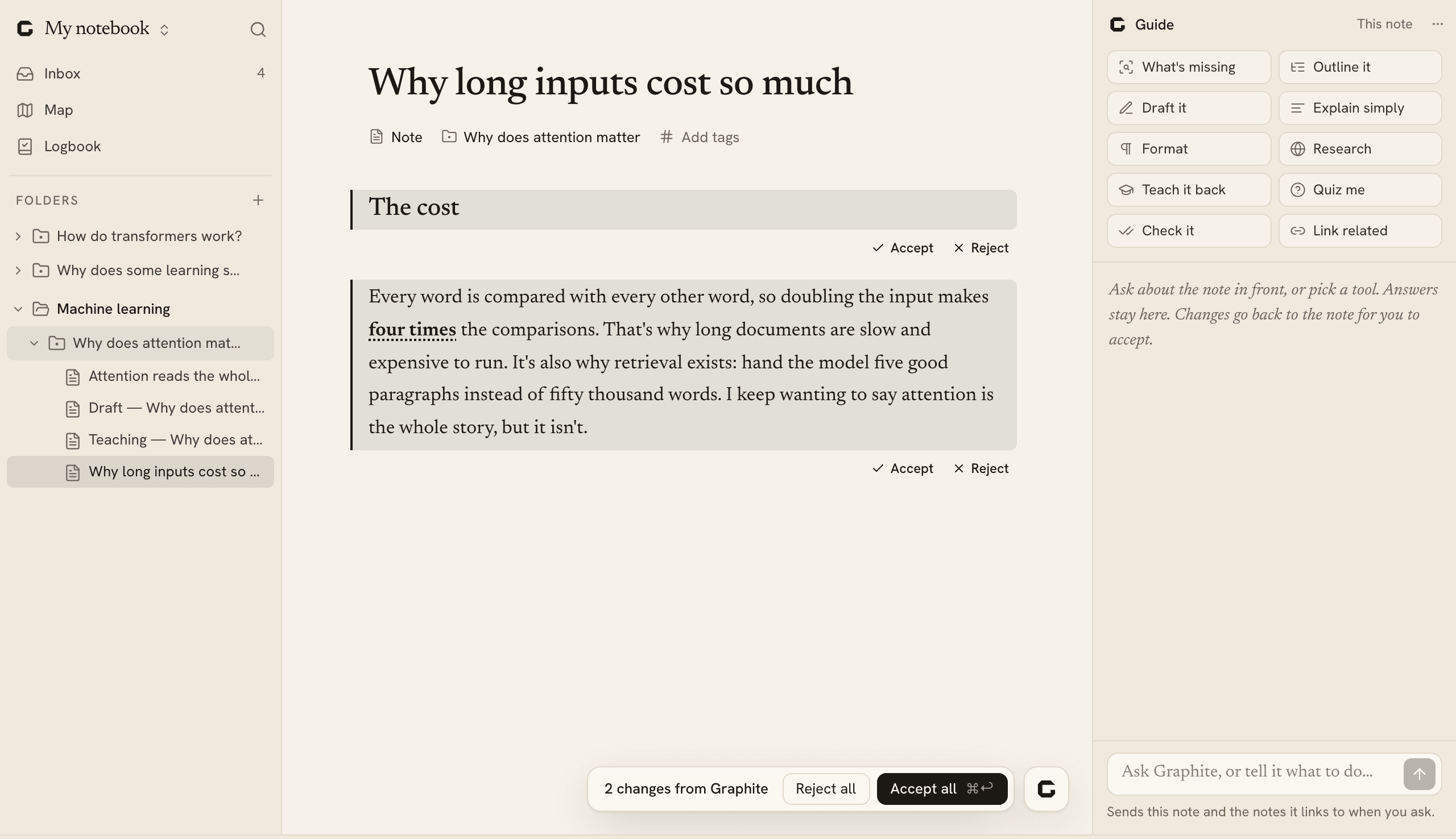
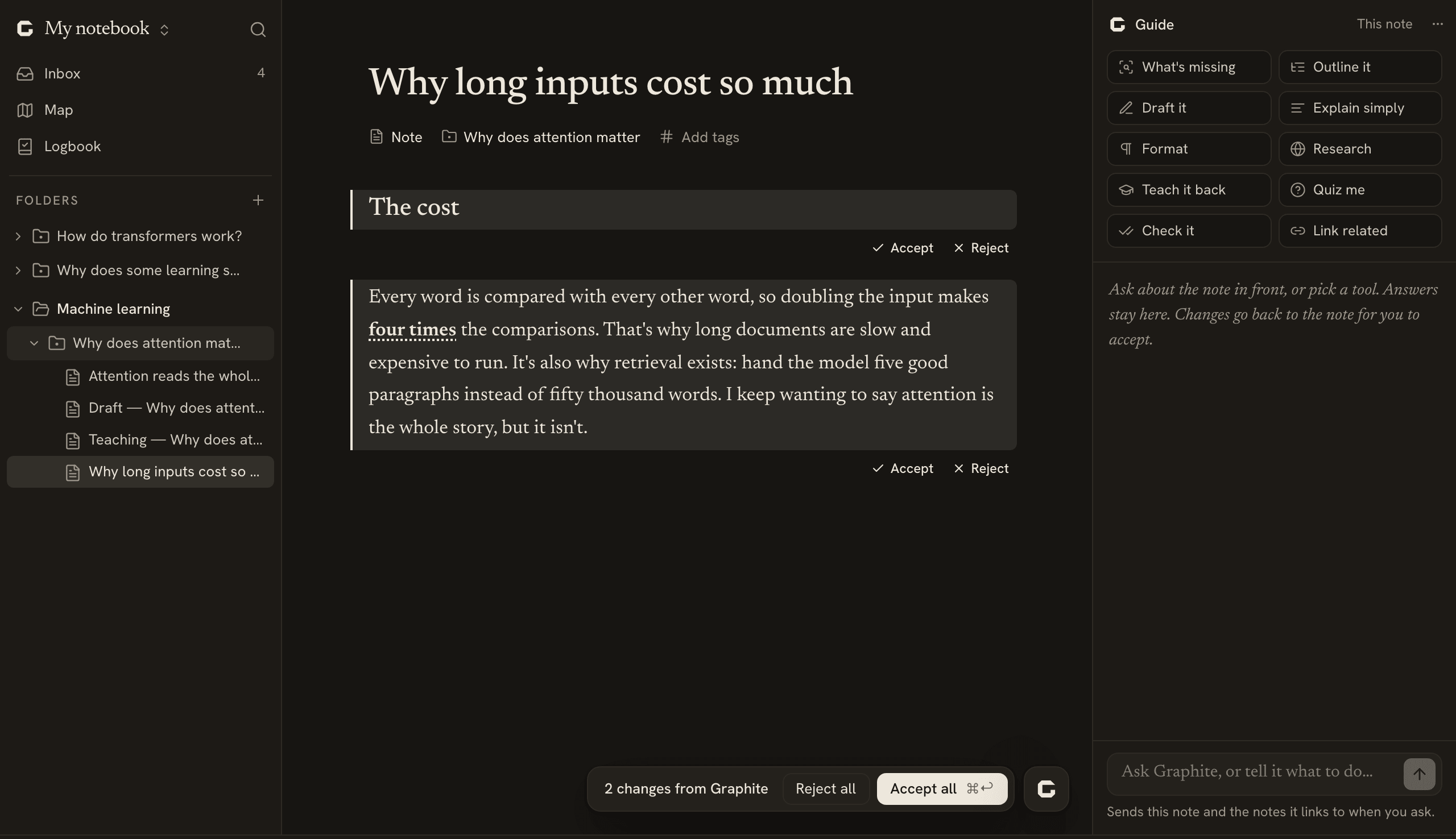
    The sidebar's folders, a note with Format's changes to accept or reject, and the Guide's toolsThe sidebar's folders, a note with Format's changes to accept or reject, and the Guide's tools

    What’s different

    • Added the Graphite button at the bottom right (⌘J): ask about the note, the Inbox or what you selected.
    • Added suggestions you accept or reject, change by change. Nothing is written until you decide.
    • Added Research: a short brief from what the model knows, with what to check.
    • Changed the Guide into the home of every tool, each a button, with a box to ask in.
    • Changed the sidebar: the Inbox, the Map and the Logbook, then your folders and projects. Topics are called folders now.
    • Changed filing into a switch, File my Inbox in Settings › AI, off until you turn it on.
  11. 0.8.0 ·

    Make something of what you learn

    In the browser, and in the Mac app from 0.8.0.

    File notes into topics and projects of your own, ask the Guide what’s missing, and draft from your own sentences.

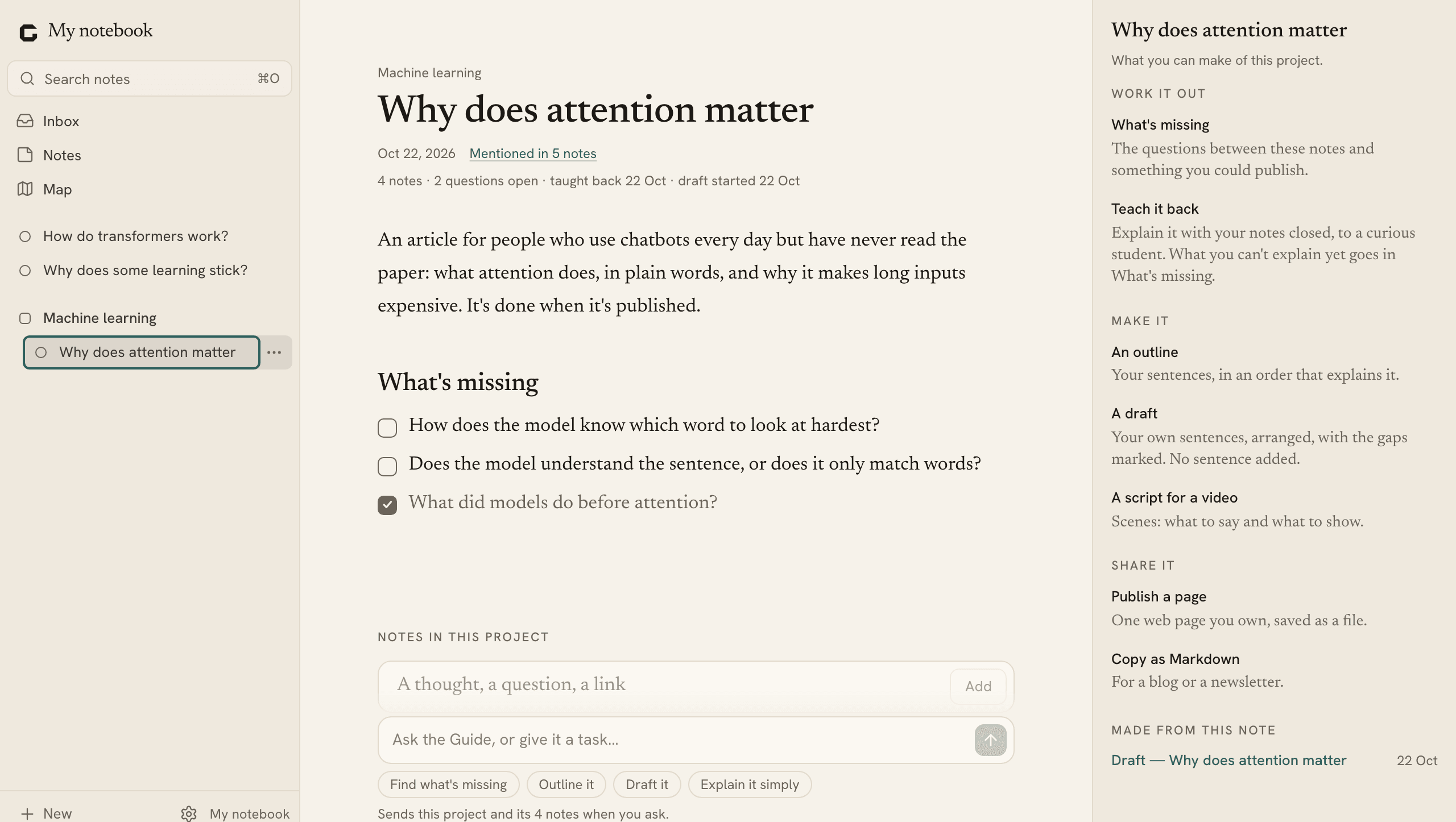
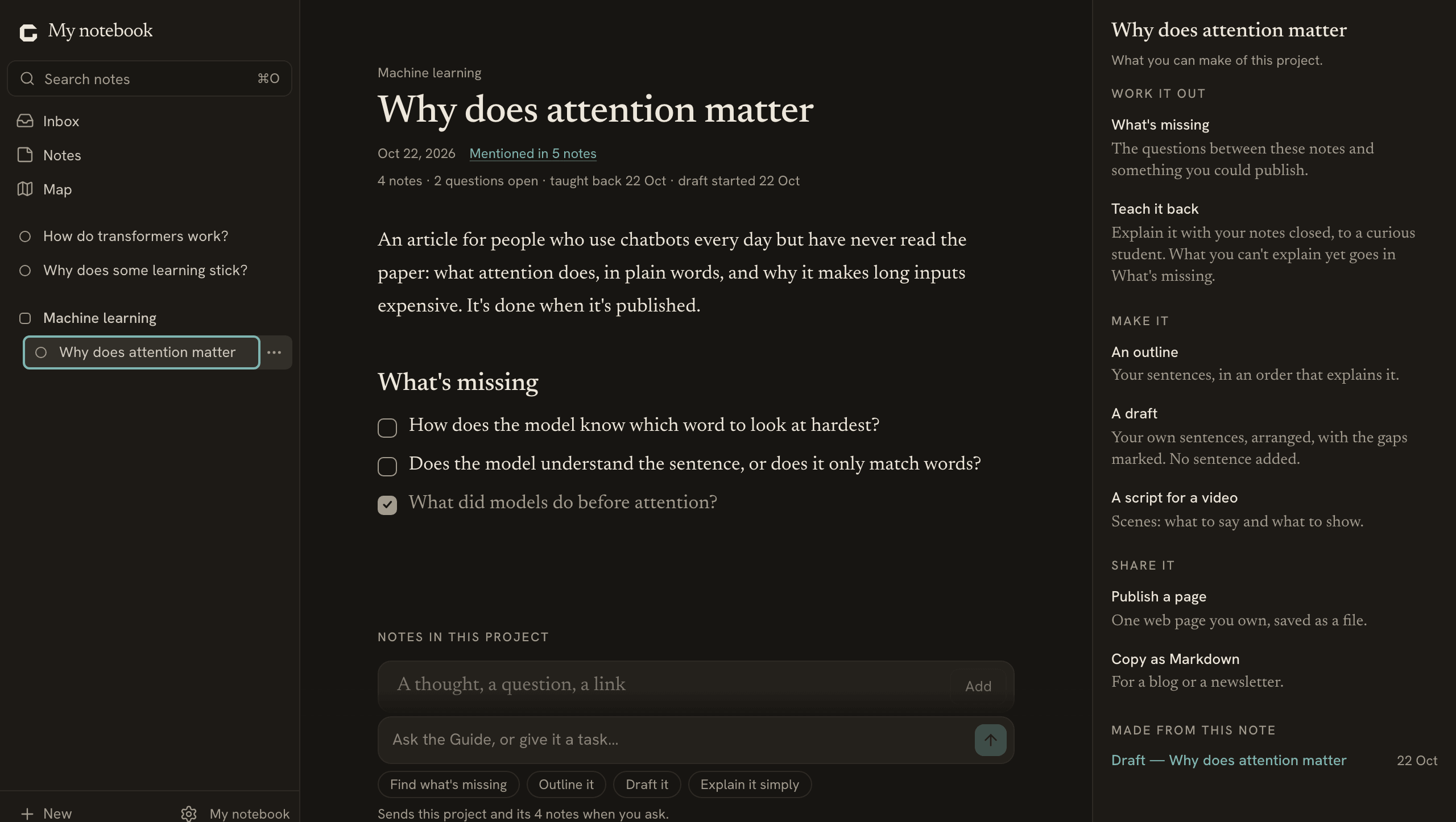
    Topics and projects in the sidebar, a project's page with what's missing, and Actions beside itTopics and projects in the sidebar, a project's page with what's missing, and Actions beside it

    What’s different

    • Added topics and projects to the sidebar. A project’s page gathers its notes and what’s missing from them.
    • Added the Guide at the foot of every note: Find what’s missing, Outline it or Draft it, from your own sentences only.
    • Added Actions beside the Guide: What’s missing, Teach it back, an outline, a draft, a video script and Publish a page.
    • Changed the Inbox into the home of new notes: open, arrange and move them right there.
    • Changed filing to use your projects and topics, so it asks again.
    • Removed Questions, Concepts, Nodes, Explainers and the Network from the sidebar. Every note is where it was.
  12. 0.7.0 ·

    Follow a question until you can explain it

    In the browser, and in the Mac app from 0.7.0.

    Say what each Inbox note is, gather what answers a big question in an explainer, and see how your nodes connect in the Network.

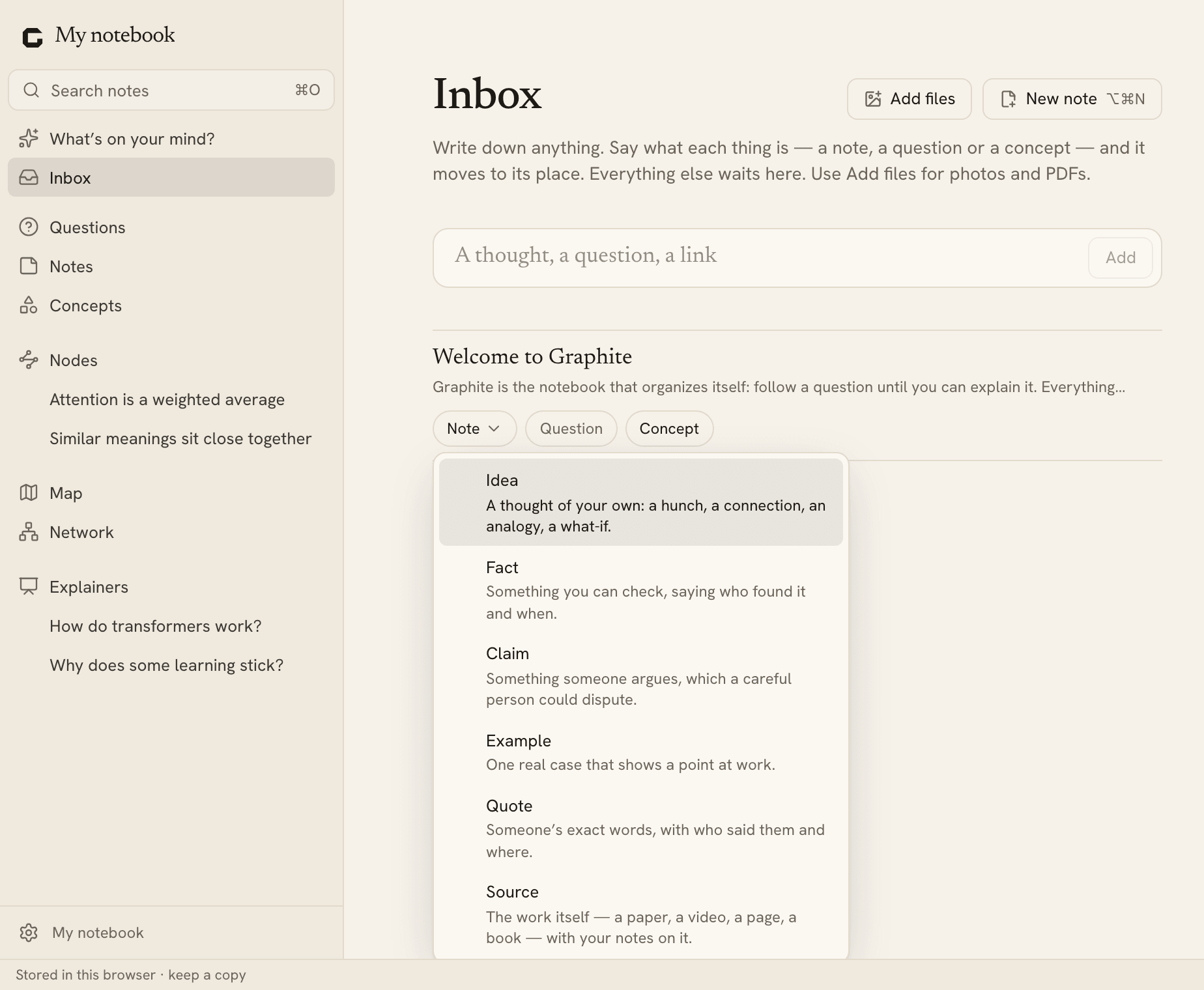
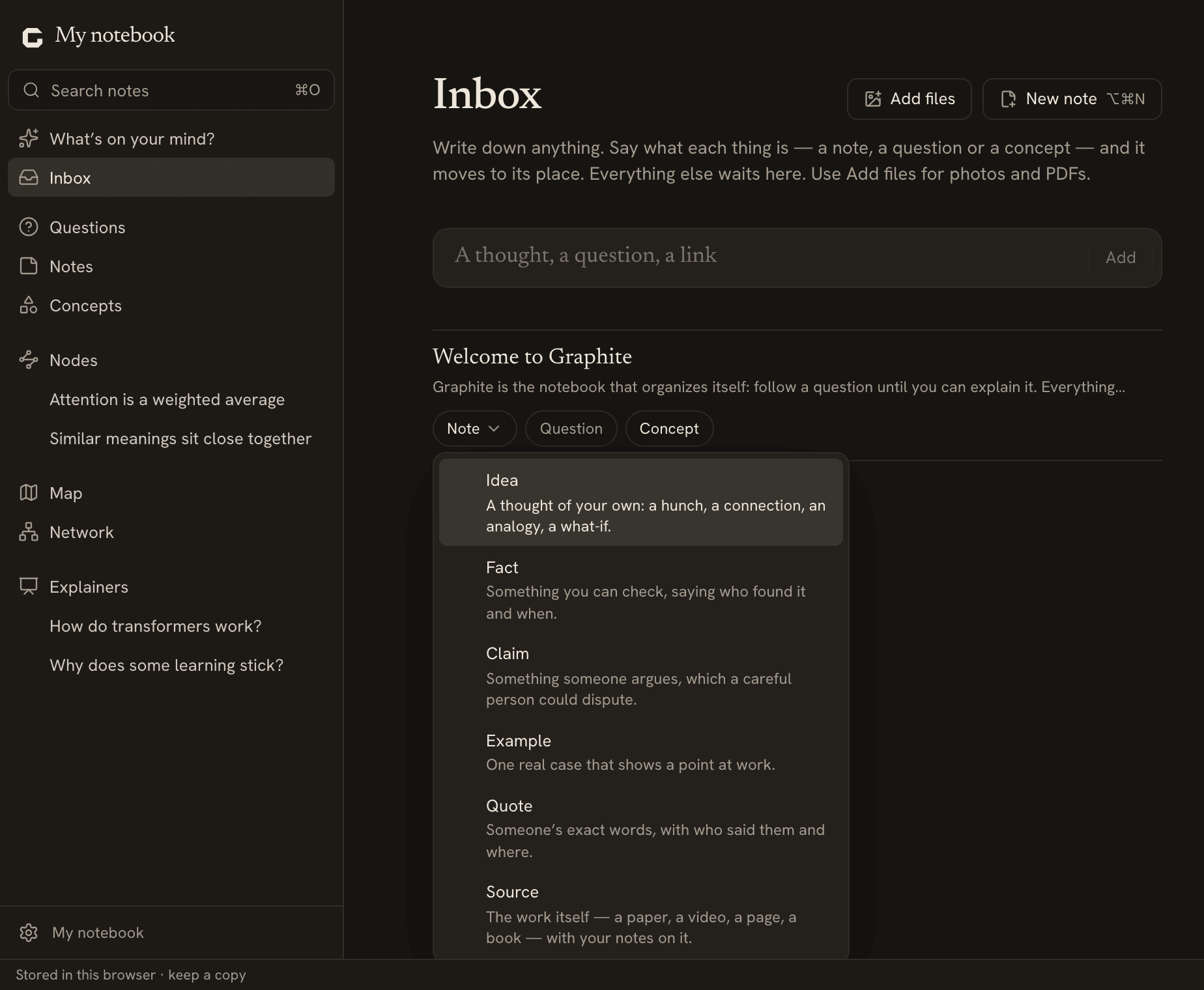
    The Inbox under What’s on your mind?, and a note in it with What is it? open on the six note typesThe Inbox under What’s on your mind?, and a note in it with What is it? open on the six note types

    What’s different

    • Added What is it? to Inbox notes, and six note types: idea, fact, claim, example, quote and source.
    • Added explainers: one big question, answered in your words, with its concepts, questions and notes gathered on its page.
    • Added the Network: your nodes and how they connect.
    • Added Publish this, Video script and Copy as Markdown to explainers.
    • Moved the Inbox to the top of the sidebar.
    • Removed the Ideas place and folders of your own, for now. Nothing was moved or rewritten.
  13. 0.6.0 ·

    Every notice is one card in the corner of your notes

    In the browser, and in the Mac app from 0.7.0.

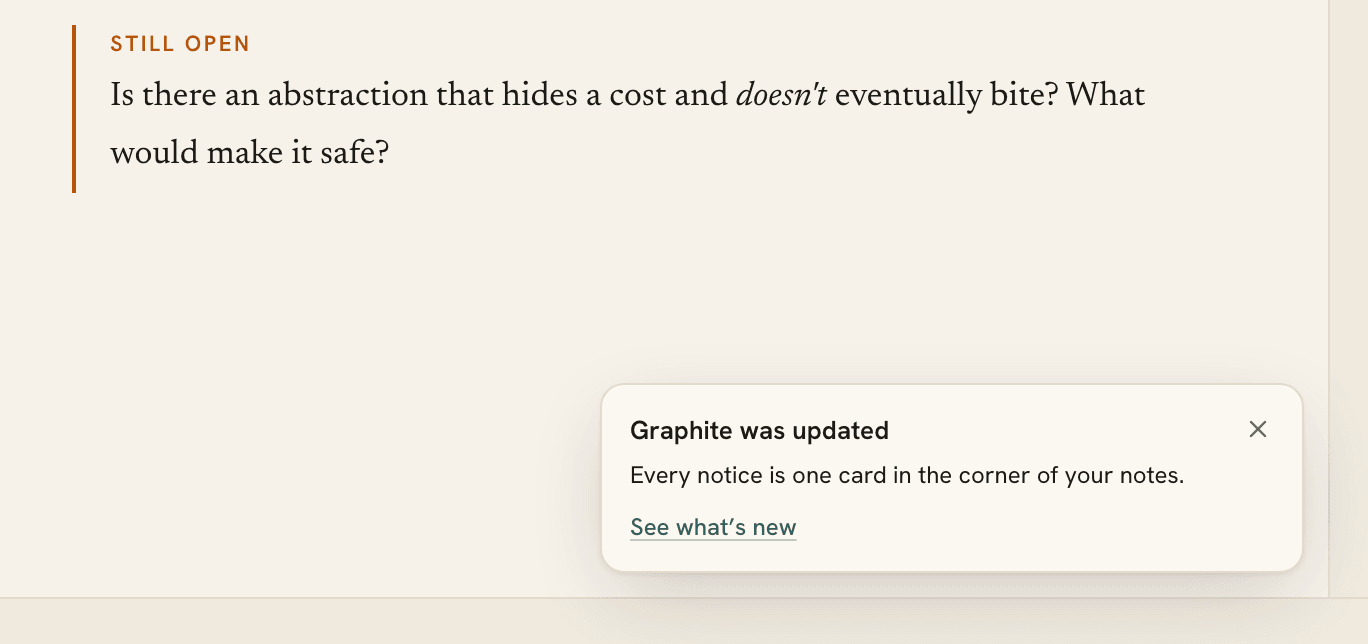
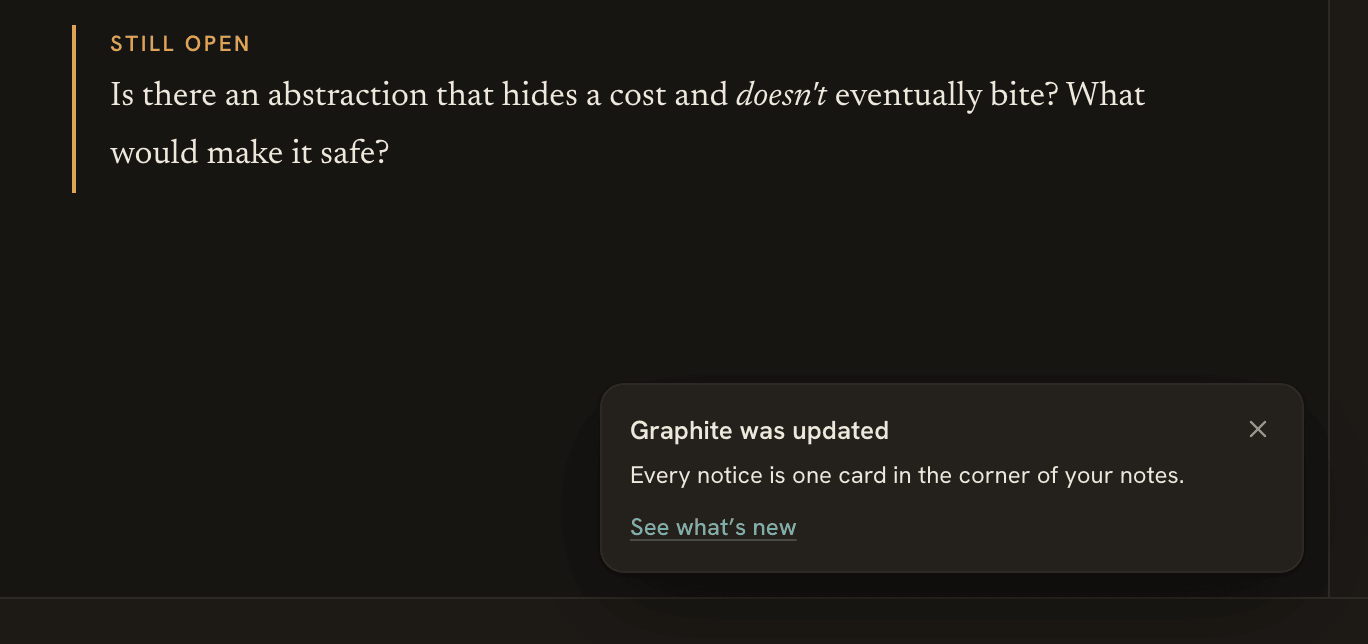
    What Graphite tells you comes in one card at the bottom right. Scrollbars stay hidden until you scroll, and Settings › About says what’s new.

    The What’s new card in the bottom right corner of a note, with a link to see what’s newThe What’s new card in the bottom right corner of a note, with a link to see what’s new

    What’s different

    • Changed every notice into one kind of card at the bottom right, which never takes the focus.
    • Added the keyboard to notices: F6 reaches them, Escape closes one, and Show the last notice brings one back.
    • Added release notes: on the site, as What’s new in Settings › About, and as one card after an update.
    • Fixed scrollbars showing where nothing scrolls.
  14. 0.5.0 ·

    The Mac app says a new version is ready in a card in the corner

    In the Mac app from 0.5.0.

    When a new version is ready, the Mac app says so in a small card at the bottom right, with Restart to update and Later.

    What’s different

    • Changed the Mac app’s update notice from a bar across the window to a card at the bottom right, with Restart to update and Later.
  15. 0.4.0 ·

    Start with what’s on your mind, and keep what you understand

    In the browser, and in the Mac app from 0.4.0.

    Start from What’s on your mind?, sort and filter your lists, and keep notes that stand on their own as nodes you tag, connect and publish.

    What’s different

    • Added What’s on your mind? (⌘L): one box for a question, an idea, a concept or a note.
    • Added Filter, Sort and Find to Notes, Ideas, Concepts and Nodes, and moved Questions just under the Inbox.
    • Added nodes: notes that stand on their own, to tag, connect, teach back and publish as a web page.
    • Added folders of your own and, in the Mac app, more than one notebook.
    • Added How to get an AI API key, on the site and in Settings › AI.
    • Changed “vault” to “notebook” everywhere.
  16. 0.3.0 ·

    The notebook works on phones and tablets

    In the browser, and in the Mac app from 0.4.0.

    On a phone, a tablet or any window under 1100 pixels wide, the notebook shows one pane at a time, with touch navigation and touch menus.

    What’s different

    • Added phones and tablets: one pane at a time, navigation along the bottom, and touch menus.
    • Changed the welcome note of a new notebook to walk you through writing, filing and understanding.
    • Changed Settings › About › Privacy to say exactly what’s sent, and when.
    • Fixed to-dos nested under a numbered item losing a line when saved.
    • Fixed security issues in the software Graphite is built on.
  17. 0.2.0 ·

    Receipts are read and added up, and you can ask your notebook

    In the browser, and in the Mac app from 0.4.0.

    After a yes, receipts you drop in are read, checked on your device and added up by month. Ask your notebook, and the answer cites your notes.

    What’s different

    • Added photos and PDFs: drop or paste them, or use Add files, and they’re kept in the Inbox or beside the note.
    • Added reading receipts: after a yes, Graphite reads each one, checks it on your device and files it under Receipts by year.
    • Added the Receipts place: totals by month, currency and category, search, and a CSV or a .zip of the originals.
    • Added Ask your notebook: answers that cite your notes, and totals added up from your receipts.
    • Added quick capture to the Mac app (⌃⌥⌘N), and files dropped on its Dock icon go to the Inbox.
    • Fixed a new note replacing one whose name differed only in capitals or accents.
  18. 0.1.0 ·

    Write it down in the Inbox, and Graphite files it

    In the browser, and in the Mac app from 0.4.0.

    Type a line in the Inbox and it’s kept. After one yes, Graphite files your Inbox by itself and logs every change, with Undo.

    What’s different

    • Added a capture line at the top of the Inbox: type, press Enter, and it’s kept word for word. Write something down (⇧⌘N) takes you there from anywhere.
    • Added filing: after one yes, Graphite files new Inbox notes under the Idea they belong to and leaves the rest where they are.
    • Added the Log: every change Graphite makes, with why and Undo, kept for 90 days.